The Zenbook Duo has always been a laptop that needed explaining. Two screens. A detachable keyboard. A kickstand on the bottom. You'd set it up at a café or a coworking space and someone would inevitably lean over and ask what you were using. The pitch was good—two 14-inch screens in one chassis, the screen real estate of a desktop dual-monitor setup in something you can carry around—but the product always had just enough friction to keep it in "interesting gadget" territory rather than "everyday laptop" territory. The gap between the screens was wide. The battery was short. Windows didn't always know what to do with two displays, and neither, sometimes, did you.
The 2026 Zenbook Duo is the version where that friction is mostly gone—and I pretty much learned that within the first few days of using. Asus redesigned the hinge and brought the gap between the screens down from 25 mm to 7.66 mm. The battery jumped from 75 Wh to 99 Wh. The Ceraluminum gives it a material identity most laptops don't bother with. And the dual-screen setup, after a few weeks of daily use, has stopped being the thing I talk about first when someone asks what I'm working on.
I just tell them it's a Zenbook. The two screens come up later, almost as an afterthought.
For a product that's spent its entire existence leading with "two screens," that shift—from party trick to second nature—might be the most telling upgrade of all. At Rs 2,99,990, though, the details matter. All of them, which is what a few weeks of living with a laptop tends to sort out. So let's get into it.
Surface and space
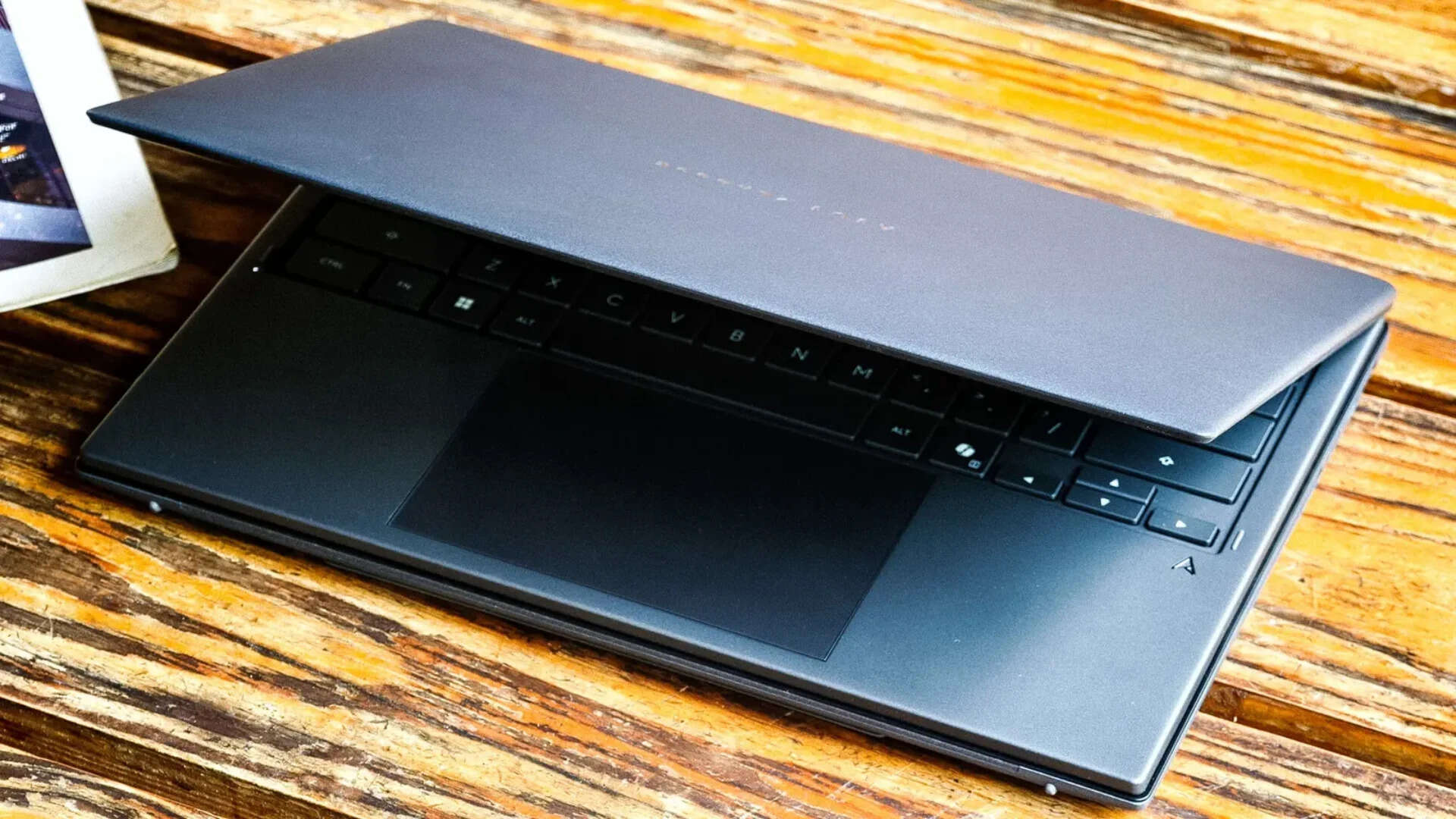
There's a thing that happens with laptop surfaces. You notice them on day one—the texture, the colour, the way light catches the lid—and by day three they've disappeared into the background. The Ceraluminum on the Duo hasn't done that. Three weeks in, and I'm still aware of it every time I pick the laptop up. Ceramised aluminium, matte, faintly granular. Asus has been putting it on Zenbooks for a couple of years now, but the Duo is the first time it feels like the material is defining the product rather than just decorating it.
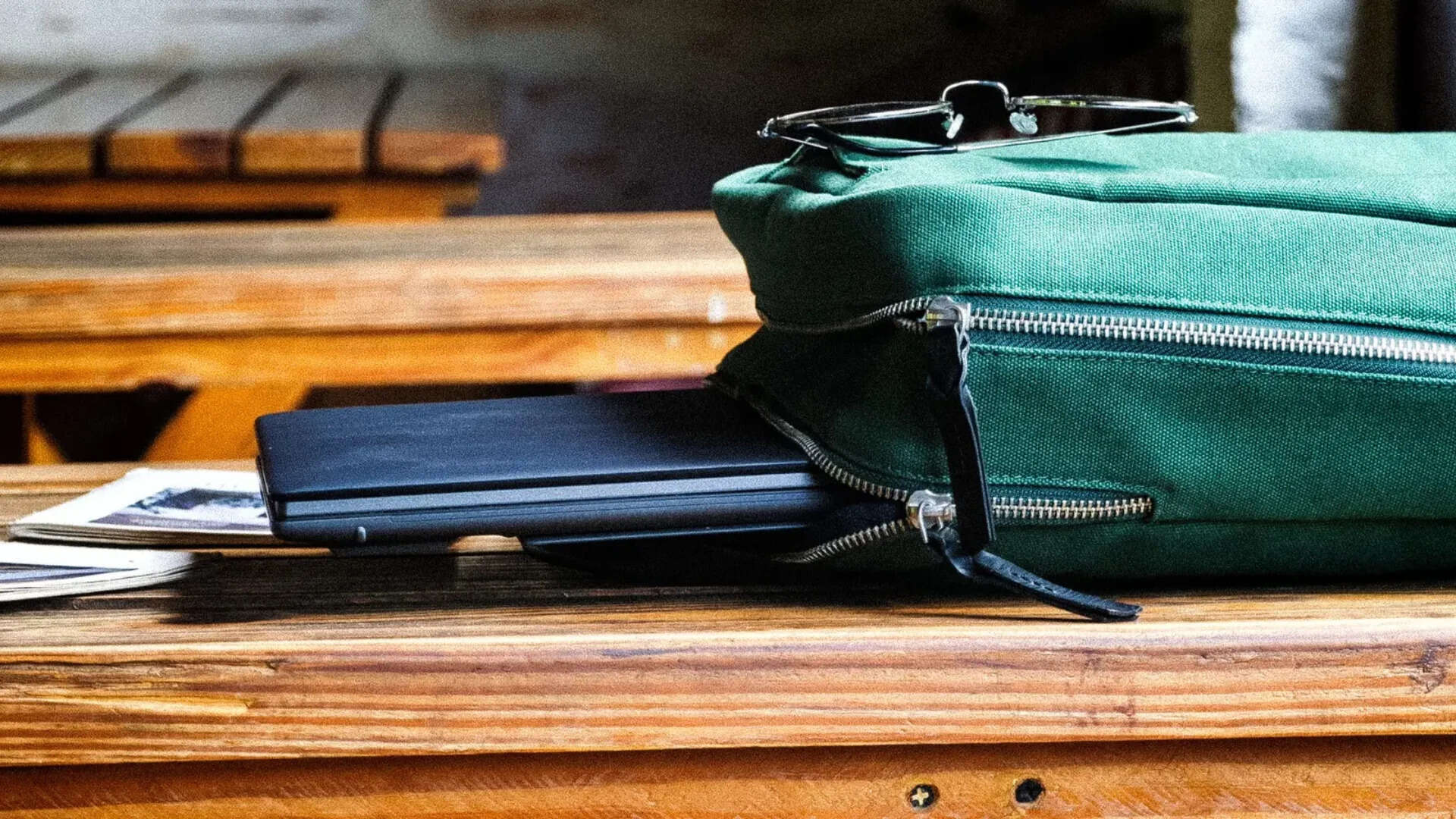
How it ages matters more than how it feels. That was settled on day one. On older Zenbooks, the Ceraluminum started showing its history around month three. Desk scratches. Zipper marks. The quiet damage of being a laptop that leaves the house. This one has been leaving the house daily for weeks, backpacks, café tables, trains, a wooden desk that doesn't treat laptops gently, and there's nothing to show for it. A few weeks isn't a few months. But the older ones had started talking by now, and this one hasn't.
The build underneath has been just as quiet. Keyboard dock still snaps the same way. Pogo pins still line up. Nothing creaks, nothing has loosened. You stop paying attention to build quality when there's nothing demanding your attention. That's where the Duo has been.
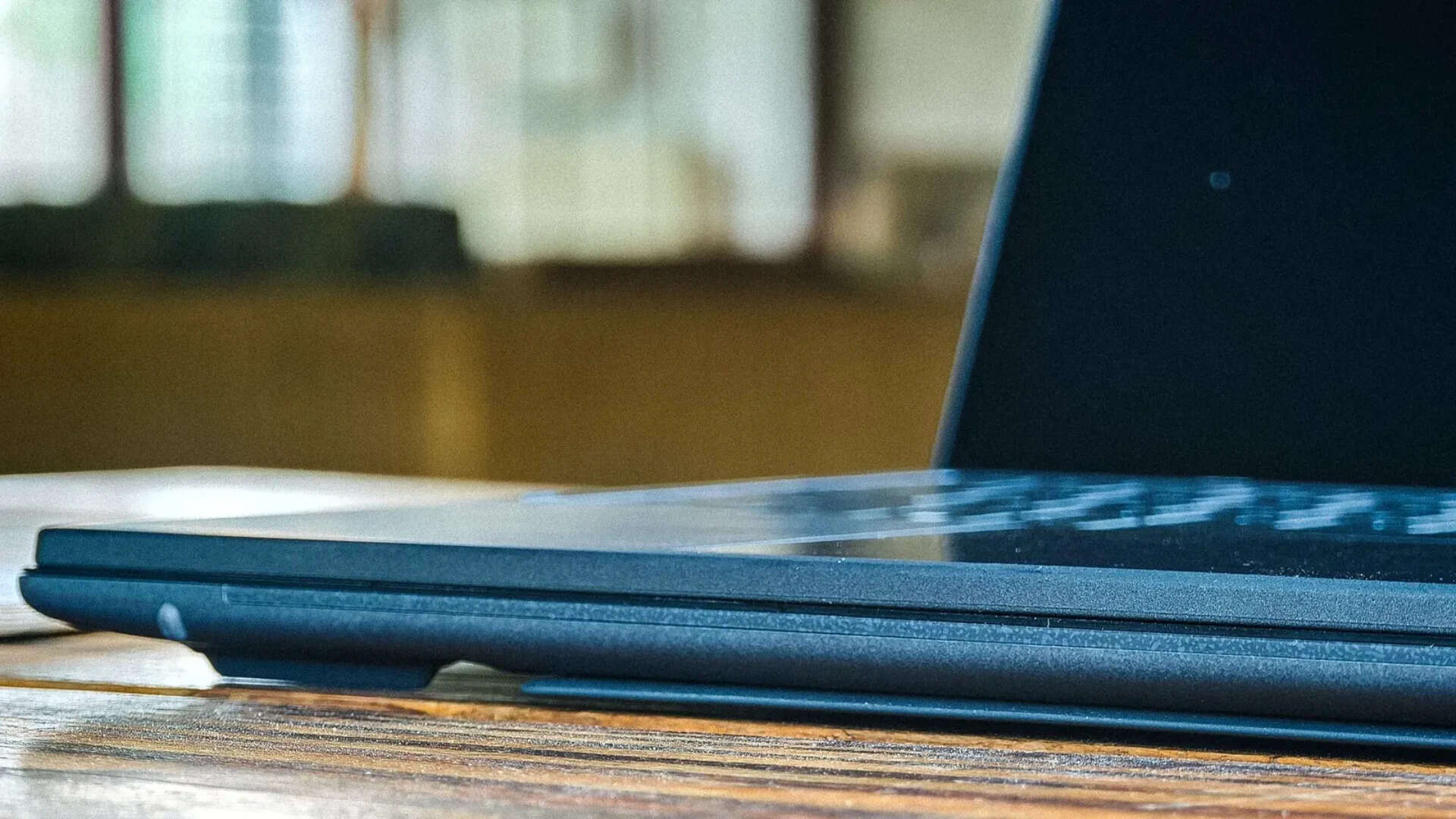
At 1.65 kg with the keyboard docked, it's not light. But it shouldn't be. Two 14-inch OLEDs, a kickstand, a detachable keyboard—all of that lives in this body. The chassis is about 5 per cent smaller than the last Duo's, and the charger is small enough to not think about.
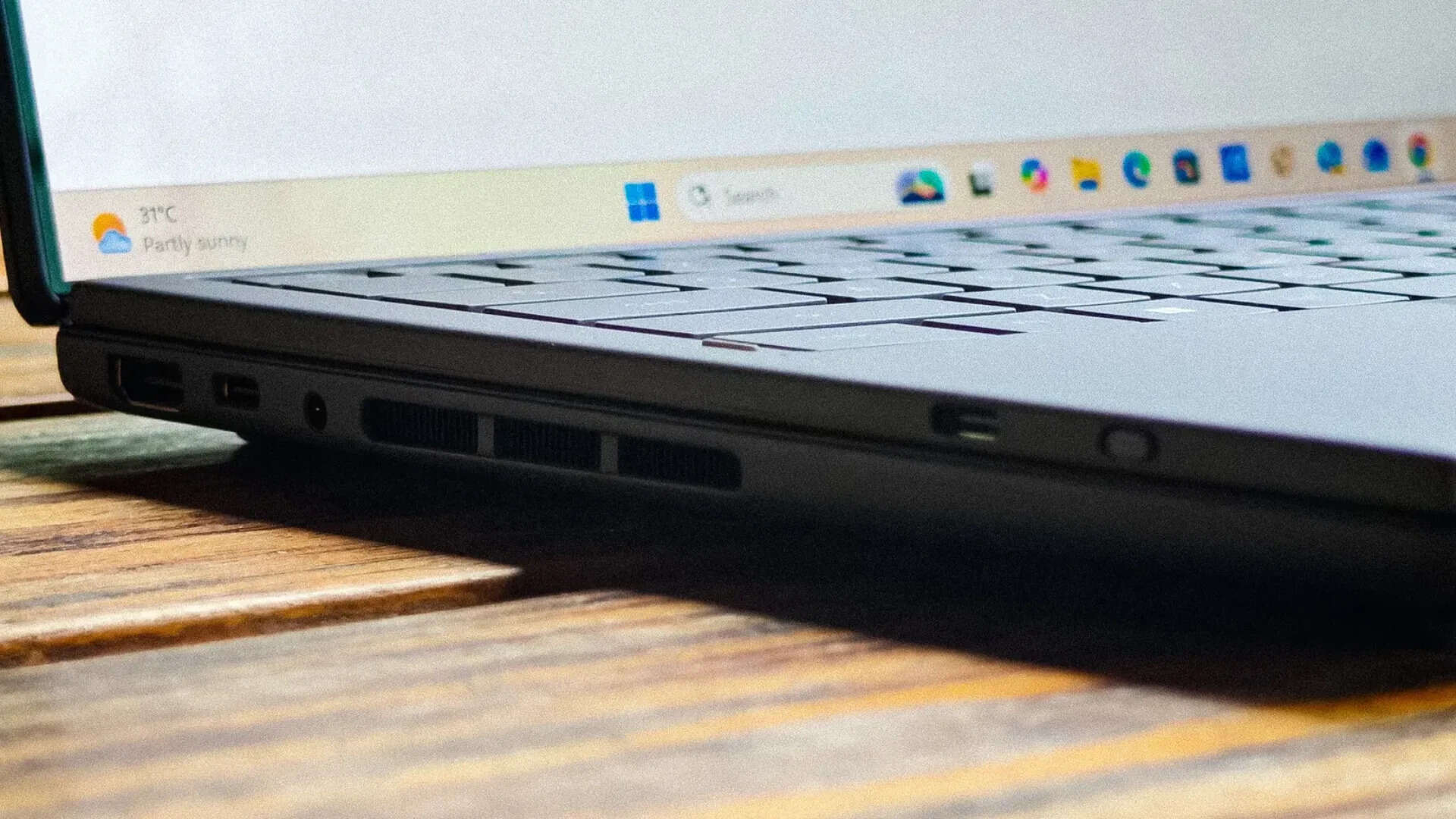
The port spread is reasonable for what this is: two Thunderbolt 4 USB-C, one USB-A 3.2 Gen 2, full-size HDMI 2.1, 3.5 mm combo jack. The HDMI is a genuinely useful inclusion that not every laptop at this price bothers with. What is missing, and shouldn't be, is an SD card slot. At Rs 2,99,990, on a laptop with two colour-accurate OLEDs that should be a natural fit for anyone working with photos or video, needing a dongle to import from a camera feels like an oversight Asus chose to make rather than one it was forced into. The 1080p IR webcam handles Windows Hello without fuss. No fingerprint sensor. Face unlock is your only biometric, and it works, but having both would be better.
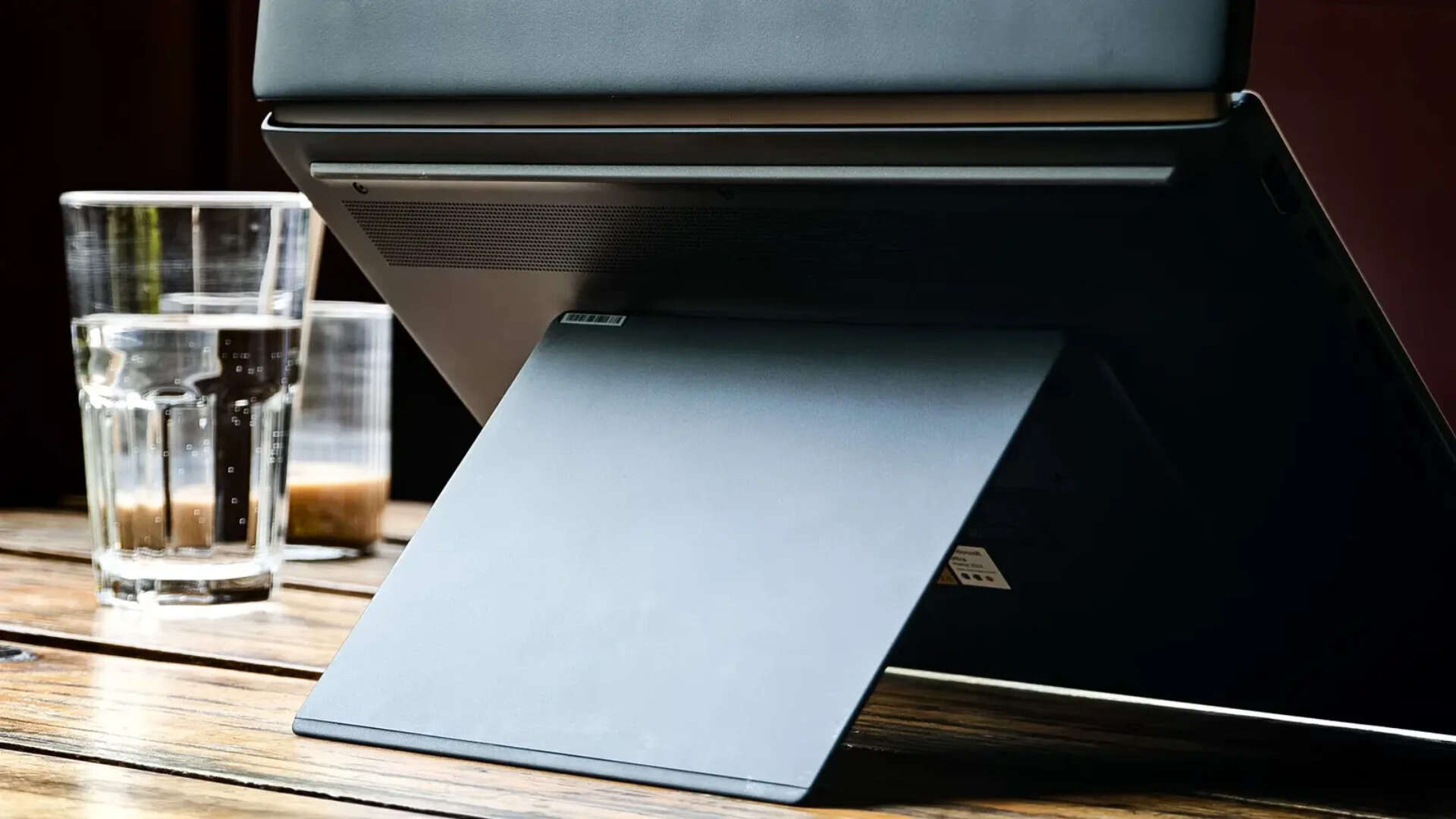
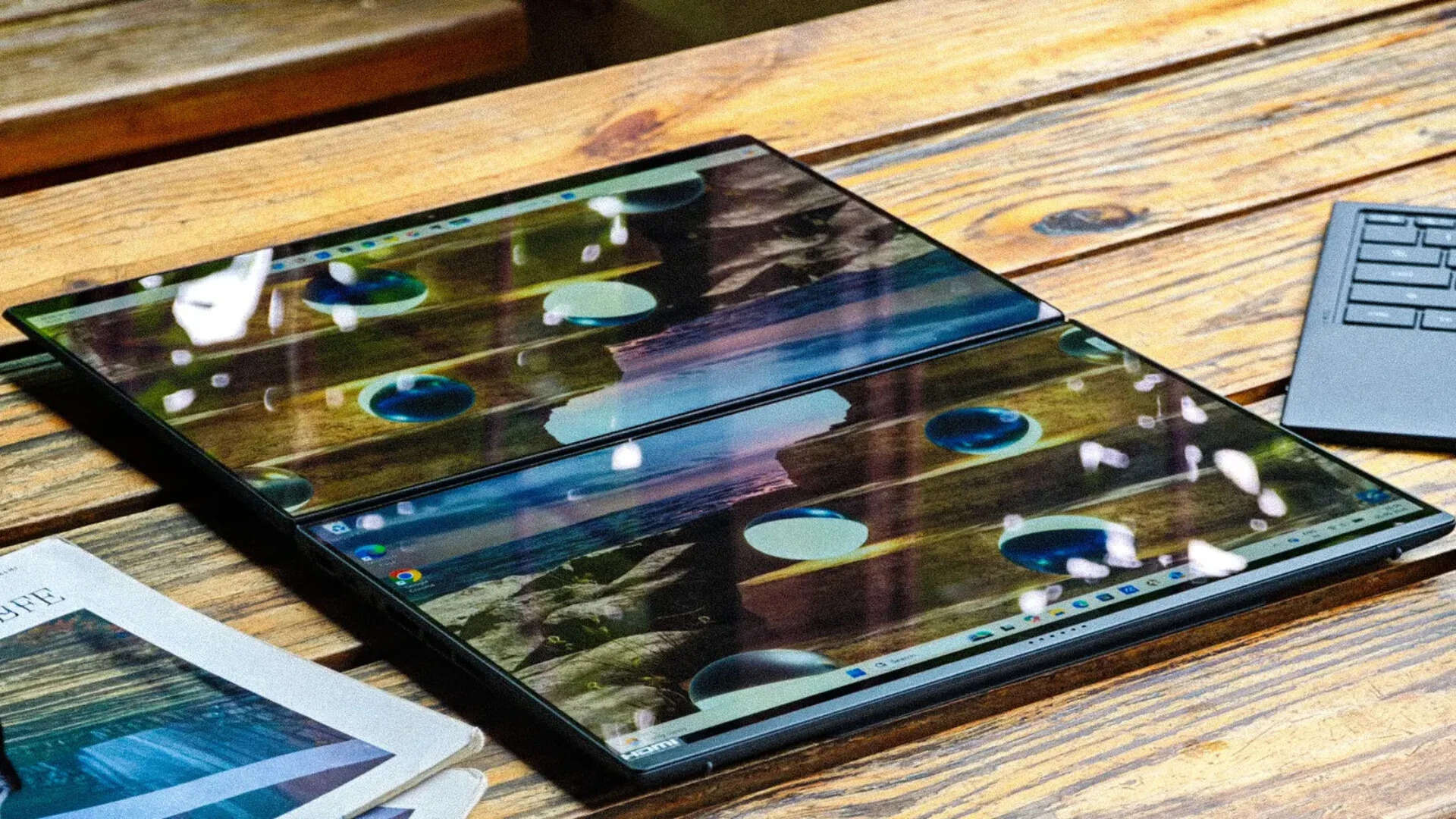
The hardware is all there, mostly. What the weeks add is a sense of where the Duo belongs and where it's just visiting. A desk, in desktop mode, both screens vertical, keyboard off. That's home. Everything sits right. The height, the angle, the distance from your eyes. It feels designed for exactly this.
A couch is a negotiation. The kickstand wants a flat surface and a cushion isn't one. An airline tray works, barely, at the shallowest angle. A bed doesn't work at all. Most laptops don't have opinions about where you use them. The Duo does, and it's better to learn them early.
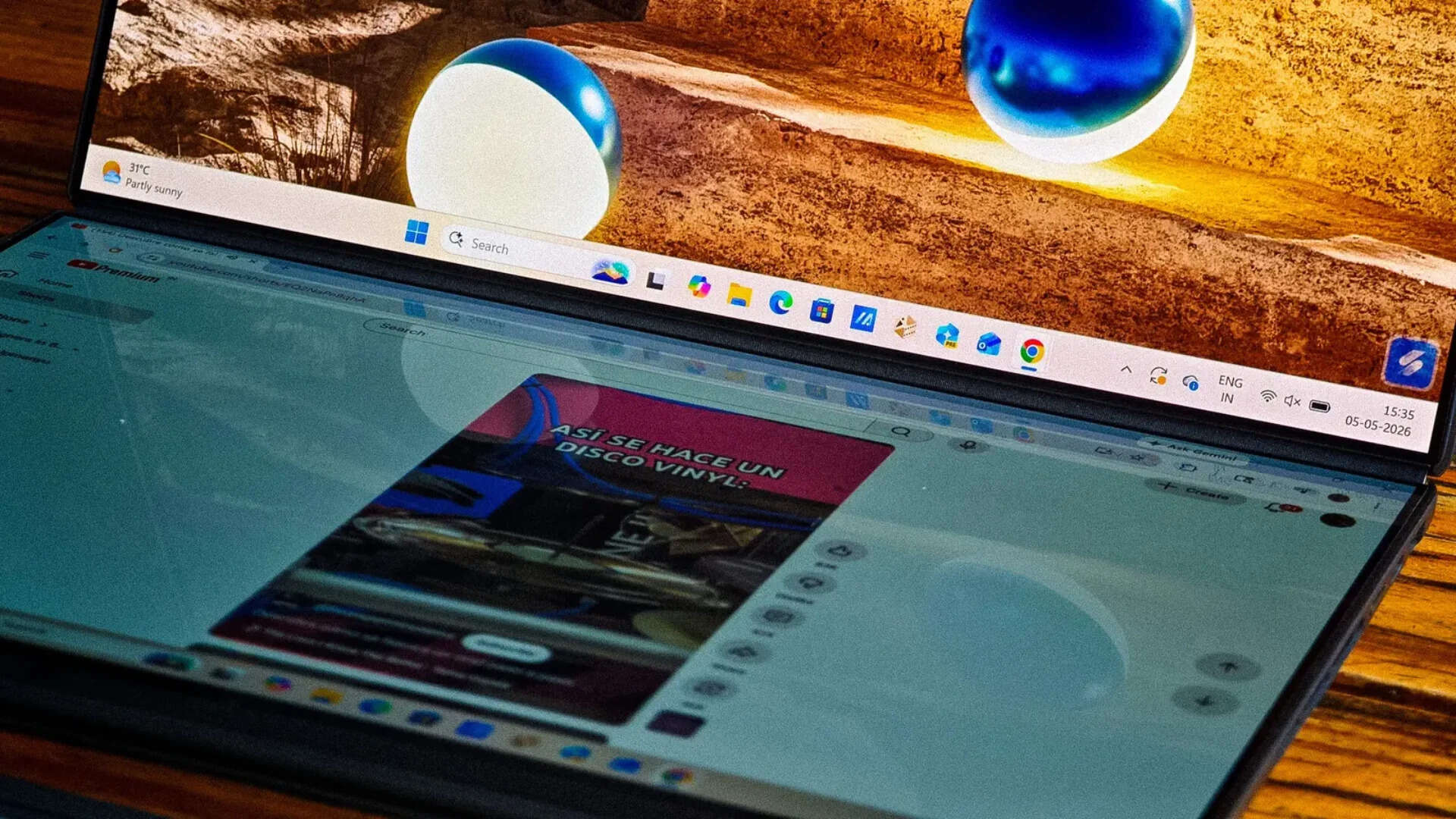
And then there's the gap. Or what used to be one. The older Duo had about 25 mm between its two displays. Bezels, hinge housing, dead space. Wide enough that you never stopped seeing two separate panels, no matter how long you used it. Asus went back to the hinge entirely. Redesigned it, slimmed the bezels to 3.88 mm, got the gap down to 7.66 mm. Both panels sit flush now, same plane, no offset. Screen-to-body at 93 per cent. The hinge holds 15 kg of load. The touchscreen doesn't wobble. And that last part matters more than it sounds like it should, because the bottom panel stops being a screen you look at and becomes a screen you touch. Scrolling tabs, dragging windows, tapping into apps. Your fingers live there. The stylus is also an option, for the more precise among us.
The spec is 7.66 mm. The experience is something else. For the first few days, you still think in two screens. Top panel for this, bottom for that. By the end of the first week, that dissolves. You open things and they land where they land. A document stretches across both displays and you scroll through the seam without catching it.
On every older Duo, the gap was wide enough to keep that from ever fully happening. You were always managing two screens. On this one, you just have one workspace that folds. The only reminder that there's a hinge between those panels is the warmth that gathers under sustained load. Never hot. Never alarming. But there, after a long afternoon, when you reach down to adjust the angle. On a laptop you touch and reposition more than most, you notice.
The screens and everything on them
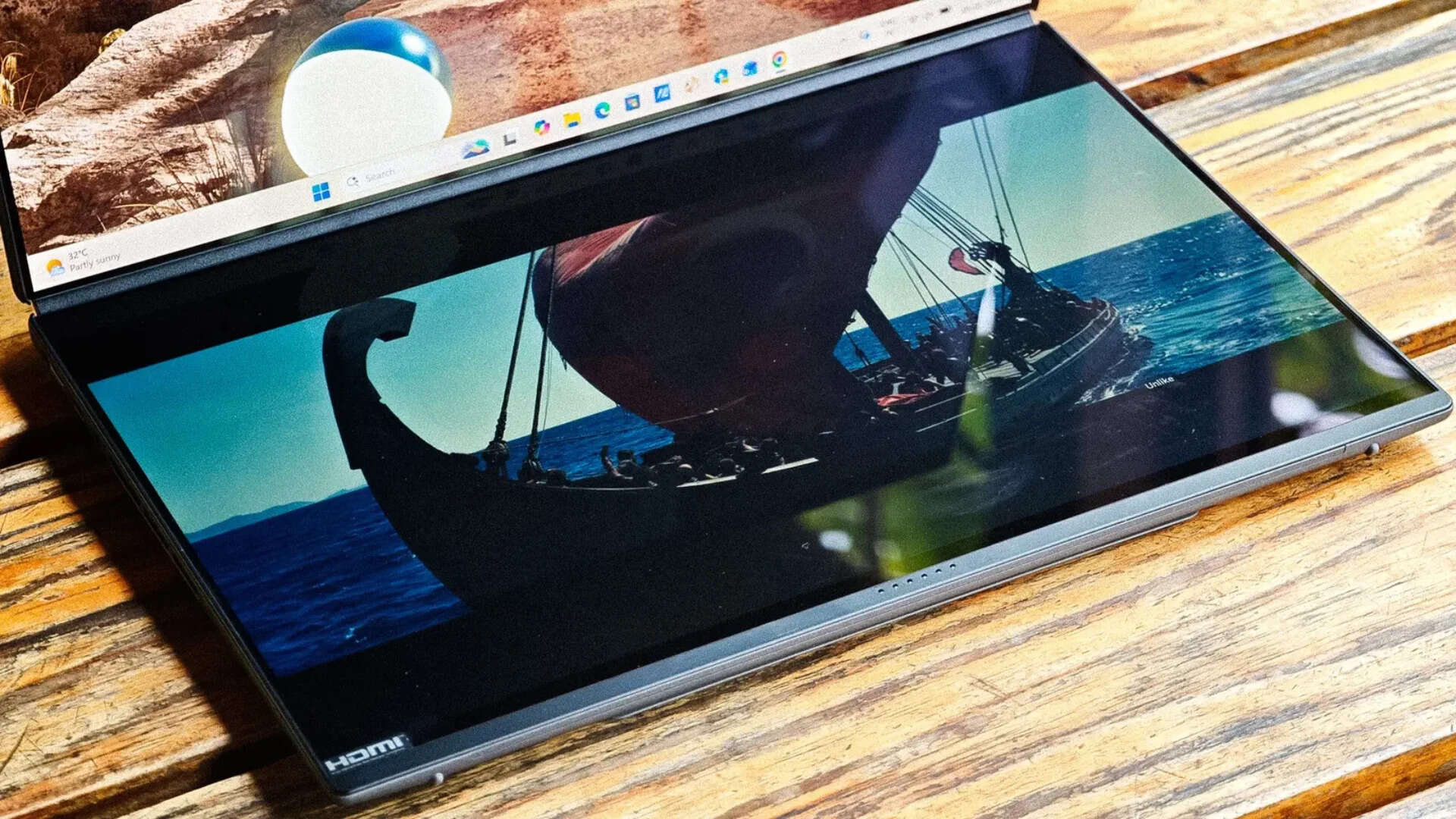
Two 14-inch Lumina Pro OLEDs. 2880 x 1800, 144 Hz, full DCI-P3, Pantone validated, 1000 nits peak in HDR. Variable refresh between 48 and 144 Hz. Gorilla Glass on both. Those are the specs, and they're good specs. But the thing that actually holds the dual-screen experience together isn't on the spec sheet. It's that the two panels match. Same colour temperature. Same brightness. Same tone. No drift between top and bottom, no subtle difference that creeps up on you after an hour and then won't leave. You'd think that would be a given on a laptop built around staring at two screens all day. It isn't. Asus got it right.
There's a new anti-reflection coating this generation. Still glossy—this isn't pretending to be matte—but after weeks of working near windows and under overhead lights, the reflections stay in the background. You adjust once and forget. On the older Duo, you never quite forgot.
The 144 Hz is similar. Not the kind of thing you consciously appreciate while using it, but go back to a 60 Hz panel after a couple of weeks and the screen feels like it's dragging behind your fingers. Colour accuracy out of the box has been reliable enough that I never felt the need to plug in an external display to double-check my work. For photo editing, for colour-sensitive writing layouts, for anything where you need to trust what you're seeing, the Duo's panels are trustworthy. Both of them.
What you do with two screens settles early. Mine settled into a pattern. Draft on top, tabs on the bottom. Call up top, notes below. Reference image on one, edit on the other. It's what you'd do with a second monitor on a desk, except there's no desk and no cable and no portable screen wobbling off a USB-C port. You pull the keyboard off, prop the Duo on its kickstand, and that's it.
What takes longer to settle is how you use them. In the first few days, you're placing things. This app goes here, that one goes there. Deliberate, almost choreographed. By week two, you've stopped arranging. Things end up where they end up. The two screens stop being a decision you make and start being a surface you work on. That's the shift. That's what the smaller gap makes possible and what the older Duo never quite got to.
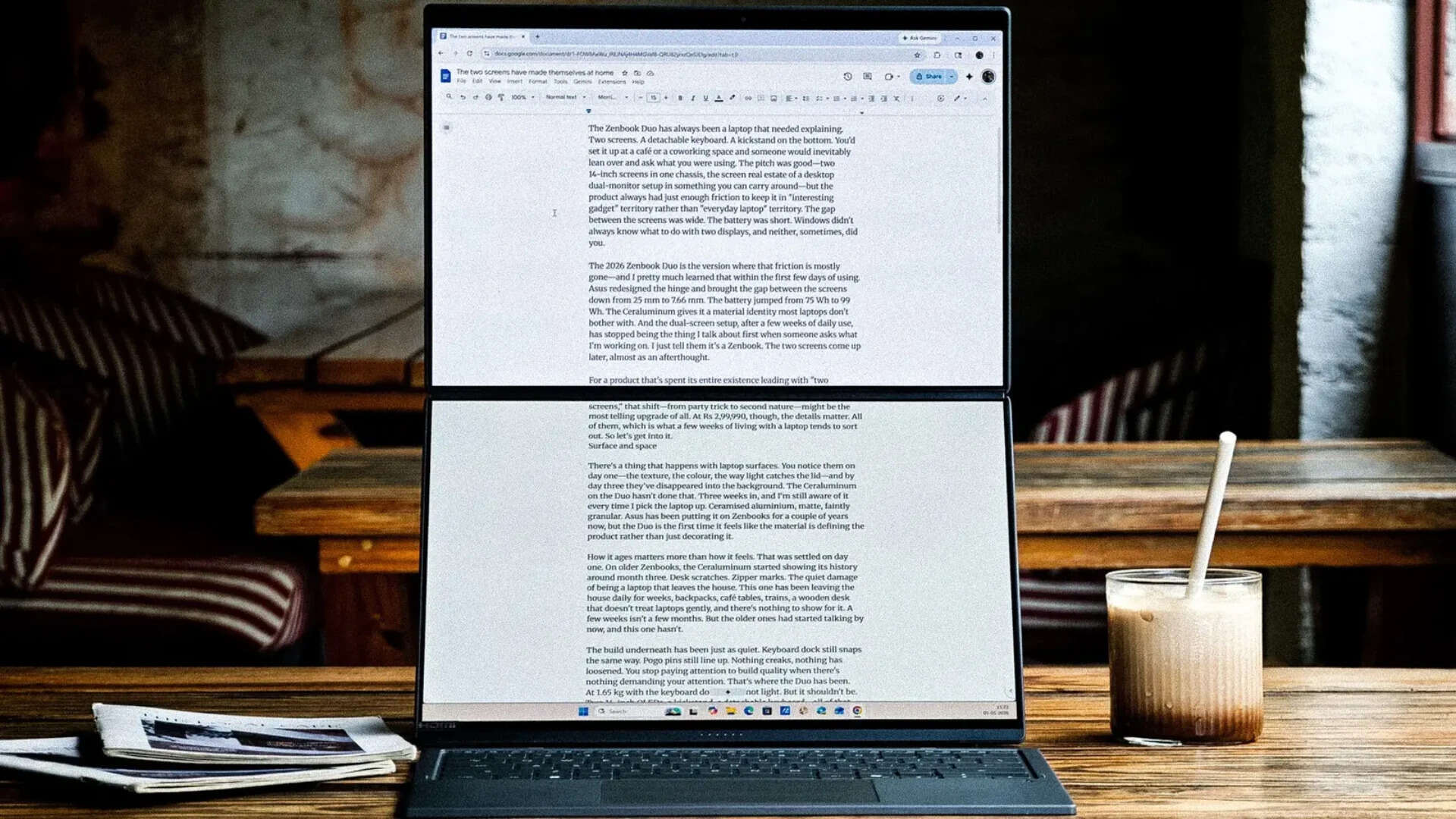
The vertical orientation in desktop mode is where this really comes through. Both screens stacked give you a tall, narrow workspace that changes how you read and write on a laptop. A 3,000-word article draft is visible almost in its entirety. A long spreadsheet doesn't feel like it's hiding half its rows. You scroll less. You see more. It sounds simple because it is, but it's the kind of simple that a 16:9 widescreen laptop can't give you, and once you've had it, going back to a single 14-inch panel feels like reading through a letterbox.
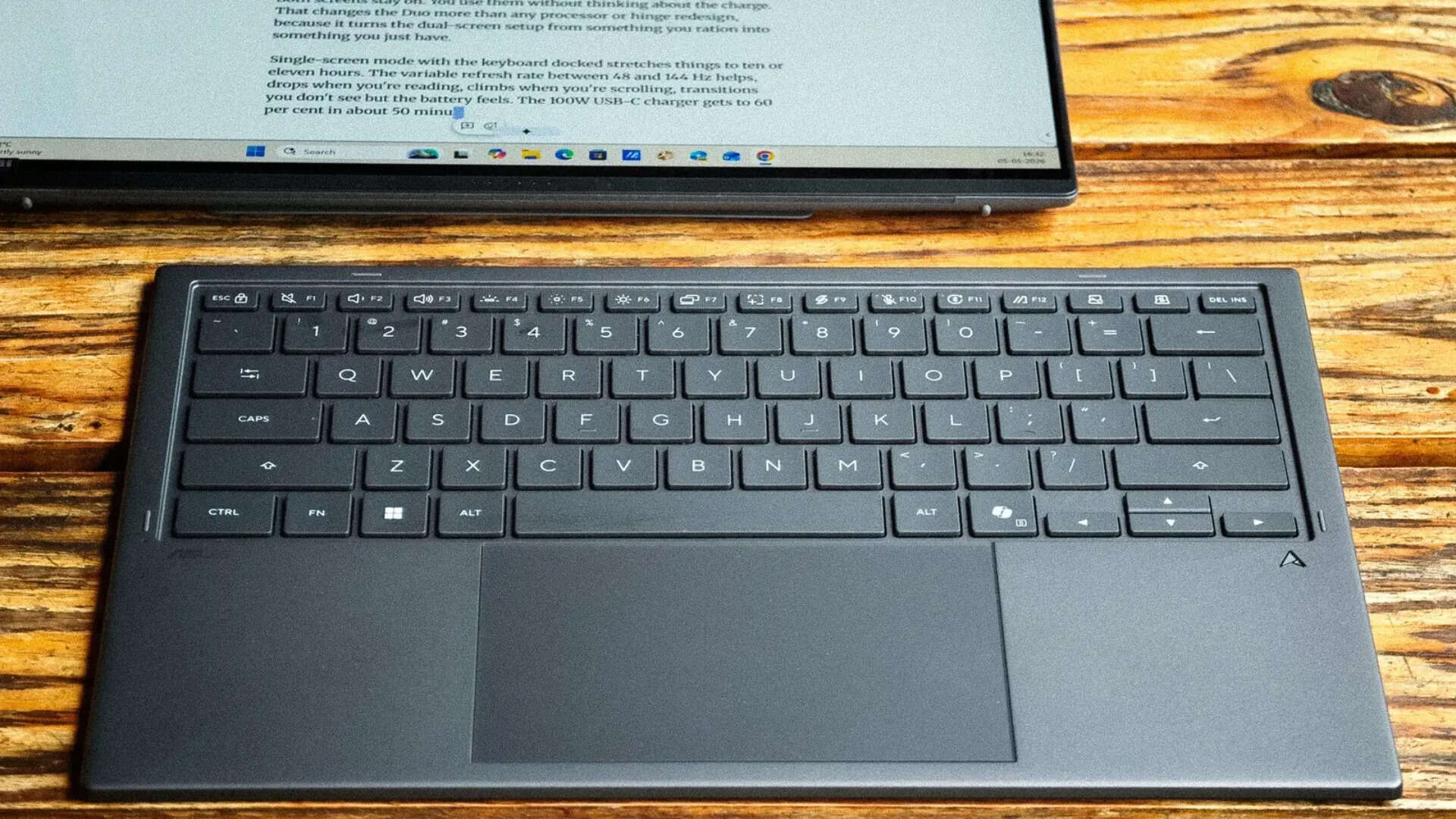
The keyboard fits into that rhythm more than it stands apart from it. Off when you're in desktop mode, docked when you're not. Bluetooth when detached, pogo pins when stored, USB-C on the side if you ever need to charge it on its own. Never did, it tops up every time you put it back. Typing is solid. 1.7 mm travel, full-size layout, Ceraluminum keycaps. The touchpad is smooth, does its job. You forget the keyboard is detachable, which is probably the best thing a detachable keyboard can achieve.
What you don't forget, three generations in, is the tilt. There isn't one. Dead flat on a desk. No feet, no incline. An hour of sustained typing and your wrists start a quiet protest. On your lap it's better, thighs give it a natural angle. At a desk, where the Duo does its best work, the keyboard does its worst ergonomics. Two small feet. That's all it would take.
Desktop mode got about 70 per cent of my time. Laptop mode with the keyboard docked handled the rest. That ratio says something about where the Duo earns its keep.
In desktop mode, the webcam sits higher, closer to eye level, and after weeks of video calls at that angle, going back to a regular laptop camera felt like pointing a camera up your nose. The sharing mode, where you lay the Duo flat so two people across a table each get a screen, got used once. To show someone a photo. It exists on the product page. It doesn't really exist anywhere else.
The bottom screen for doomscrolling while the top one looks productive—that hasn't gotten old. Probably won't. But the reason it works is the reason everything on the Duo works now. You don't think about which screen does what. You don't manage layouts. You just use the laptop, and the second screen is just there. After three weeks, that feels normal. After three weeks, one screen doesn't.
Windows, though, hasn't had the same epiphany. Snap behaviour gets pushy with two displays. Drag a window between panels and the OS tries to shove it into a preset layout. ScreenXpert covers some of the gaps. Task Groups let you launch app arrangements across both screens, useful once configured, fiddly to set up. The Control Center widget handles brightness and screen toggles.
The gesture system—six fingers for the virtual keyboard, three for the touchpad, five for fullscreen—you either learn in the first week or you don't. I didn't. The virtual keyboard and touchpad are forgettable. Haptics too faint, glass too obviously glass. Occasionally, after waking from sleep, the second screen goes dark for a few seconds before it catches up. Minor. But on a laptop where the second screen is the entire point, you notice. At this price, "good enough" from Windows isn't quite good enough.
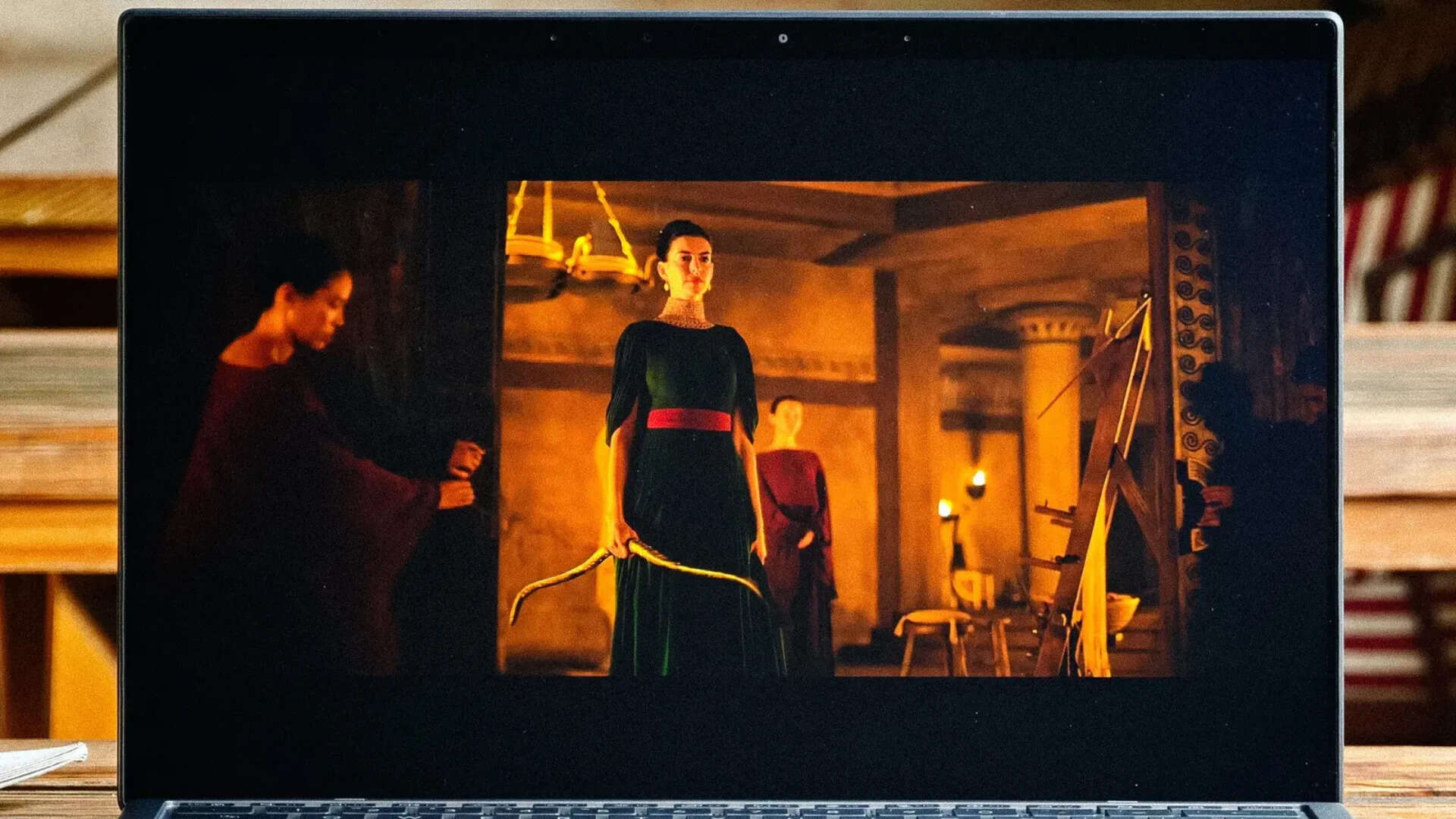
The speakers. Six drivers. Two tweeters, four woofers, Dolby Atmos. They get loud—genuinely, surprisingly loud. Good enough for a call. Good enough for a video you're half watching. The mids are flat, the lows don't have much to say, and anything you actually care about hearing properly deserves headphones. At this price, the speakers are fine. Not a selling point, not a complaint. Just fine.
Keeping the lights on
Intel's Core Ultra 7 355. Panther Lake, Core Ultra Series 3. 32 GB of LPDDR5x, up to 2 TB of PCIe 4.0 storage. TDP capped at 45W. That last number tells you what the Duo is optimising for: not benchmark scores, but the ability to run two 3K OLED panels at 144 Hz through a full workday without the battery tapping out.
In daily use, the processor doesn't draw attention to itself. Chrome tabs across both screens, Slack, Spotify, a Photoshop file on the bottom panel. Nothing stutters, nothing lags, nothing makes you wait. You stop thinking about performance because there's nothing to think about.
Heavier workloads are more telling. A Premiere Pro project with 4K clips, colour correction, a handful of effects. Timeline scrubbing was smooth for the most part, occasional hitches when stacking effects on multiple clips at once. Exports were reasonable, not workstation territory, but not the kind of slow that makes you resent the laptop. Lightroom Classic with a few thousand RAW files handled imports, edits, batch exports without complaint.
The fans spun up during heavy work, audible in a quiet room, easy to forget with music on. The chassis got warm around the hinge, same spot that warms up during regular use, just a bit more. Nothing throttled. For what the Duo is actually meant to do—productivity, creative work, multitasking across two screens—the 45W cap doesn't get in the way.
The NPU does 49 TOPS. Copilot+ PC. Windows Studio Effects for video calls, Live Captions for real-time transcription, Asus's StoryCube for AI-sorted photo management. Some of it is useful in passing. Most of it you try once and move on from. The NPU is there. The software built around it hasn't found a reason to make you care yet. That's not specific to Asus—that's where the industry is. The AI features are present because they have to be. On the Duo, they don't add much and they don't get in the way. Table stakes, nothing more.
The battery, though, is the spec that actually changes how you use the laptop. The 99 Wh cell replaces the 75 Wh from the older Duo, and the difference isn't subtle. Both screens on, moderate brightness, a full workday of writing, browsing, email, Slack, some photo editing, Spotify, and I consistently got seven to eight hours without doing anything to stretch it. No dimming the displays to save power. No docking the keyboard to kill the second screen. No mid-afternoon calculation about whether you can afford to keep both panels running.
On the older Duo, that calculation was constant. The battery was the thing that kept the dual-screen experience from being something you could rely on all day. You were always managing it. That's gone now. Both screens stay on. You use them without thinking about the charge. That changes the Duo more than any processor or hinge redesign, because it turns the dual-screen setup from something you ration into something you just have.
Single-screen mode with the keyboard docked stretches things to ten or eleven hours. The variable refresh rate between 48 and 144 Hz helps, drops when you're reading, climbs when you're scrolling, transitions you don't see but the battery feels. The 100W USB-C charger gets to 60 per cent in about 50 minutes. Charges off power banks and airline USB ports too. Asus's Battery Care Mode caps charging at 80 per cent for long-term health, pushing the rated cycle count from 1,000 to 1,200.
The ask
Rs 2,99,990 is a lot of money for a laptop. Any laptop. And the Duo doesn't get to skip that conversation just because it has two screens.
What you're paying for: two 14-inch 3K OLED touchscreens that match out of the box. A Ceraluminum build that still feels considered three weeks in. A hinge Asus took multiple generations to figure out, and finally did. A keyboard that works well enough to forget it detaches. A 99 Wh battery that lasts a full workday with both screens running. And a processor that handles creative workloads without getting in the way. The dual-screen experience, for the first time, doesn't need a disclaimer attached to it.
What you're not paying for: a version of Windows that's fully figured out two displays. A laptop that works equally well on a couch, a bed, and a desk. The Duo has opinions about where it belongs, and not every surface qualifies. An SD card slot. A keyboard that tilts.
Whether that trade-off works depends on one thing. Will you use both screens? Not once in a while. Not to impress someone at a café. Every day, as part of how you work. If yes, if your workflow involves enough tabs, enough reference material, enough parallel tasks that a second display isn't a luxury but a relief, the Duo gives you something no single-screen laptop can. If no, if the keyboard stays docked and the bottom panel stays hidden most of the time, this is a Rs 3 lakh, 1.65 kg, 14-inch laptop with one very good screen. There are cheaper ways to get that.
And if you will: three weeks ago, the Duo was a dual-screen laptop. Now it's just a laptop. That's the shift. Not that the two screens have become less impressive—they haven't—but that they've become invisible in the way good design is supposed to be invisible. You use them without thinking about them. Windows still gets in the way sometimes, it probably will for a while, but it's not enough to undo what the hardware gets right. The gap is small enough to disappear. The battery lasts long enough to not think about. Everything still feels tight. None of that changes the price, though. For what it costs, the Duo isn't for everyone. But if you're the person this was made for, you already know.
Our rating: 4/5